
3.0 KiB
1 CLI - Docker
Using the Dockerfile in the root directory to build a Docker image, and run it.
2 GUI
to be written
3 Not Recommended Manually Run the CLI code
Install Runtime Environment
Install and Verify Python Runtime
-
Common Linux Distributions do include a Python Runtime Environment, what we should do is only to check whether it is a satisfied version to our program. If the version ≥Python3.6, theoretically our program can be run.
We can type:
python -VTo check the Python version, as the follows
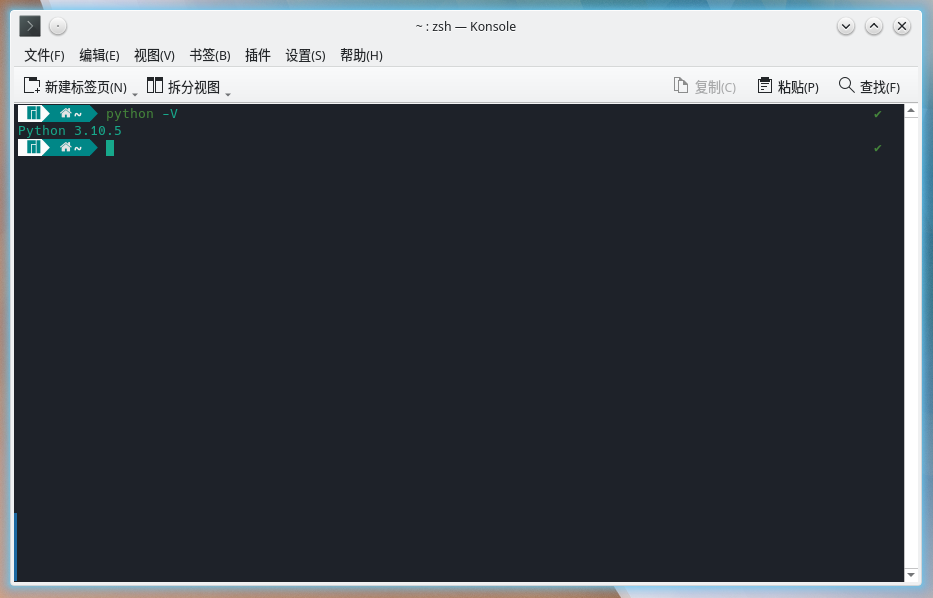
-
Not Necessary
If you want to change a Python version just as what I want to do, it is such a great fantastic action! Let do as the follows:
-
pacman Package Manager(In Arch Linux Mostly)
- Let's write python3 into the ingore list of updating. Via
vimto edit/etc/pacman.conf, addpython3afterIgnorePkg.
```bash sudo vim /etc/pacman.conf ``` <img src=https://foruda.gitee.com/images/1665124611490335193/5e99ca26_9911226.png>- Then we can search for python releases in Arch Achieve.(HERE, under Arch, Python refers to Python3 defaultly, while some other Linux releases using Python2 as default. So dose Arch Achieve.)What I find here is Python3.8.6, so let's download she via
pacman:
```bash sudo pacman -U https://archive.archlinux.org/packages/p/python/python-3.8.6-1-x86_64.pkg.tar.zst ``` <img src=https://foruda.gitee.com/images/1665126362769399903/ea4b9598_9911226.png>- Perfect!
- Let's write python3 into the ingore list of updating. Via
-
Other Package Manager
None yet.
-
Install and Verify pip Package Manager
-
Before installing, it is to be checked, wheather Python's pip is OK:
python -m pip # To check is pip installed # If a long tip occured, it is OK # If returned as this, then not. /usr/bin/python: No module named pip # We can install pip via: sudo pacman -S python-pip # Check, remember. python -m pip # If you did but failed, we should use other methods to install pip: wget https://bootstrap.pypa.io/get-pip.py sudo python get-pip.py # Double check, must. python -m pip -
After checking, let's install the dependences.
pip install -r requirements_cli.txt -i https://mirrors.aliyun.com/pypi/simple/ -
See the tips below as successfully installed:

Download this lib's sources code and Using its demos.
-
Download via Git
git clone https://gitee.com/TriM-Organization/Linglun-Converter.git llcIf succeed, a directory named
llcwell be found in the path you run this command, and inside it is the source codes we wantted to download. What we want to use is in the folder so enter the folder via:cd llc -
Starting Using
Via
python llc_cli.py