## Before we Use
### Installing Terminal APP
We choose **Termux** as the Terminal APP as it is the powerful Linux simulator.
1. Dowloading
From both [GitHub](https://github.com/termux/termux-app/releases) or [F-Droid](https://f-droid.org/en/packages/com.termux/) to download is OK.
2. Installing
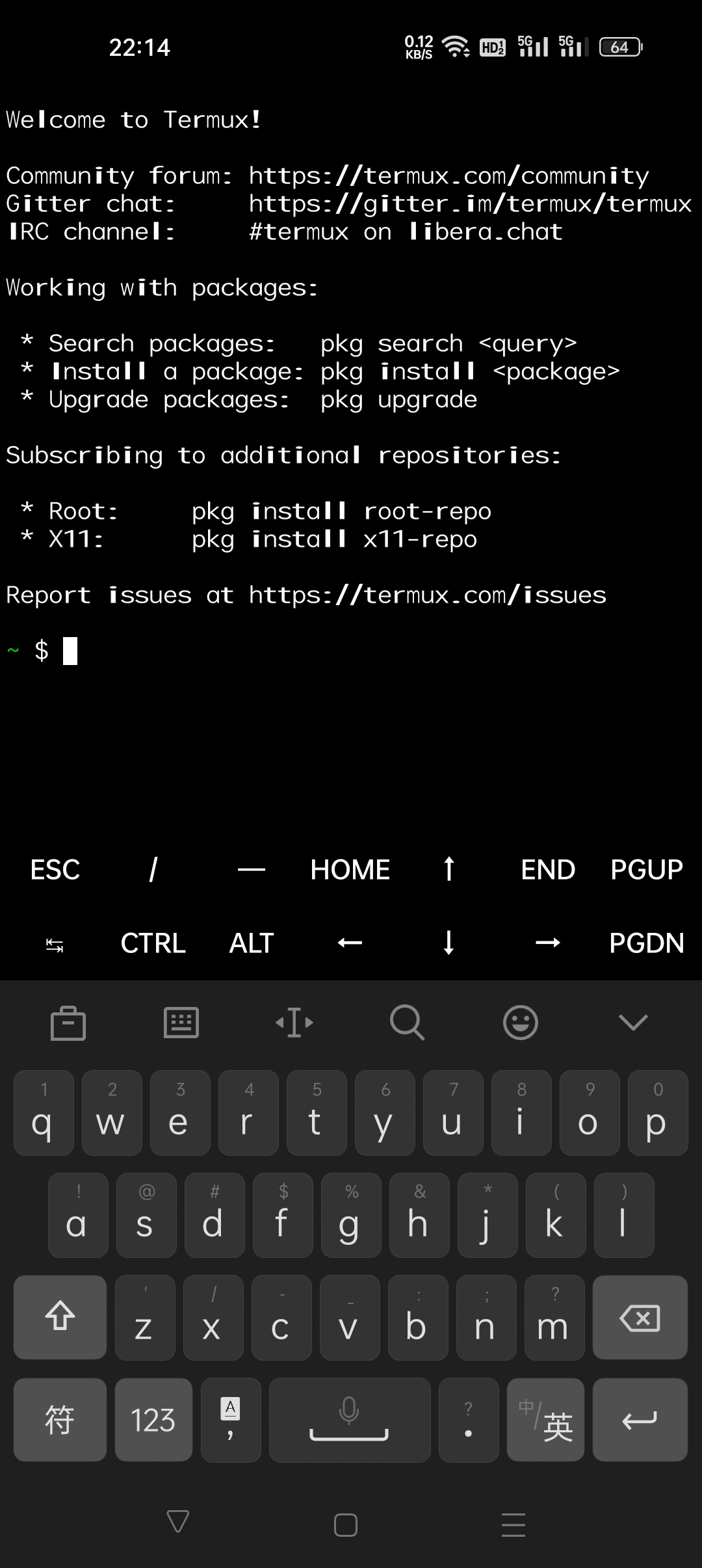
*APK* file is easy to install and you must know it without my instruments, you can see something like below after opening this app.
 3. Finish
OK, congratulations for ok installing *Termux*.
### Installing Runtime Environment
1. Installing **Python**
```bash
apt-get install python3
```
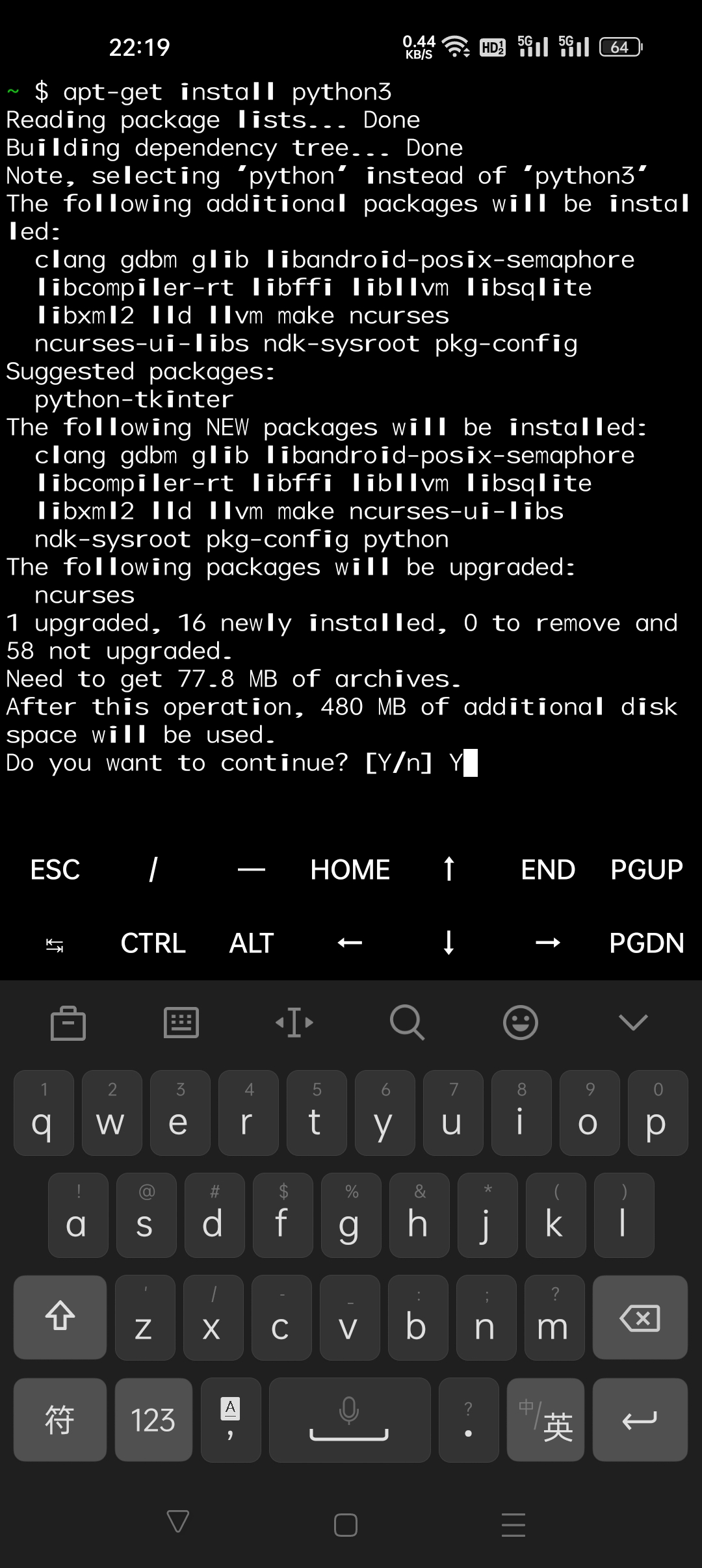
The picture left below is while you may enter `Y` to continue.
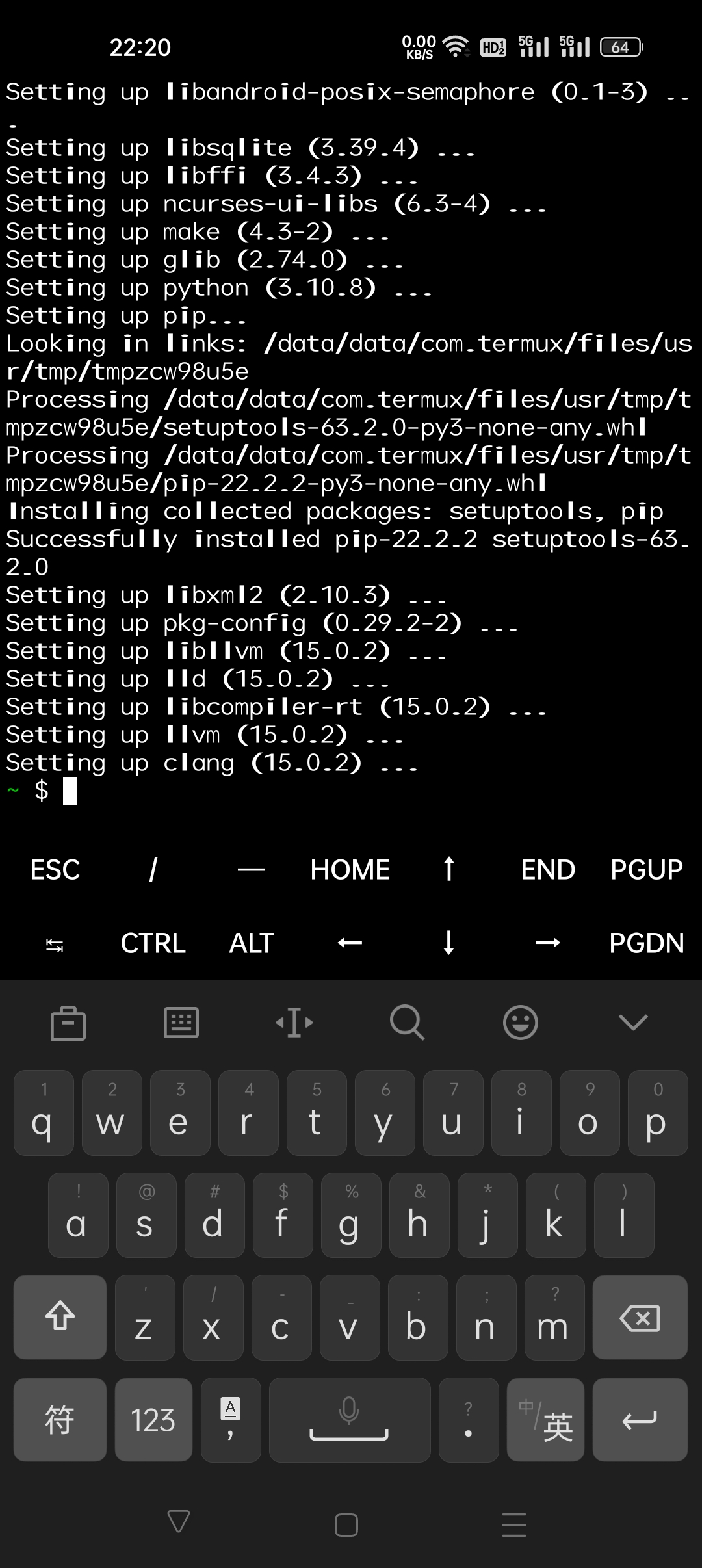
Aftering succeed in installing you will see as right bicture below.
OK, let try whether success installing **Python** via
```bash
python3 -V
```
Sth. like `Python 3.X.X` will occur if so.
3. Installing dependences
```bash
pip install mido
pip install brotli
```
Sth. like below will occur if successful.
3. Finish
OK, congratulations for ok installing *Termux*.
### Installing Runtime Environment
1. Installing **Python**
```bash
apt-get install python3
```
The picture left below is while you may enter `Y` to continue.
Aftering succeed in installing you will see as right bicture below.
OK, let try whether success installing **Python** via
```bash
python3 -V
```
Sth. like `Python 3.X.X` will occur if so.
3. Installing dependences
```bash
pip install mido
pip install brotli
```
Sth. like below will occur if successful.
 ### Install Downloading Tool
Tired to translate, QwQ.....
Sleep for a while and this can be a TO-DO.
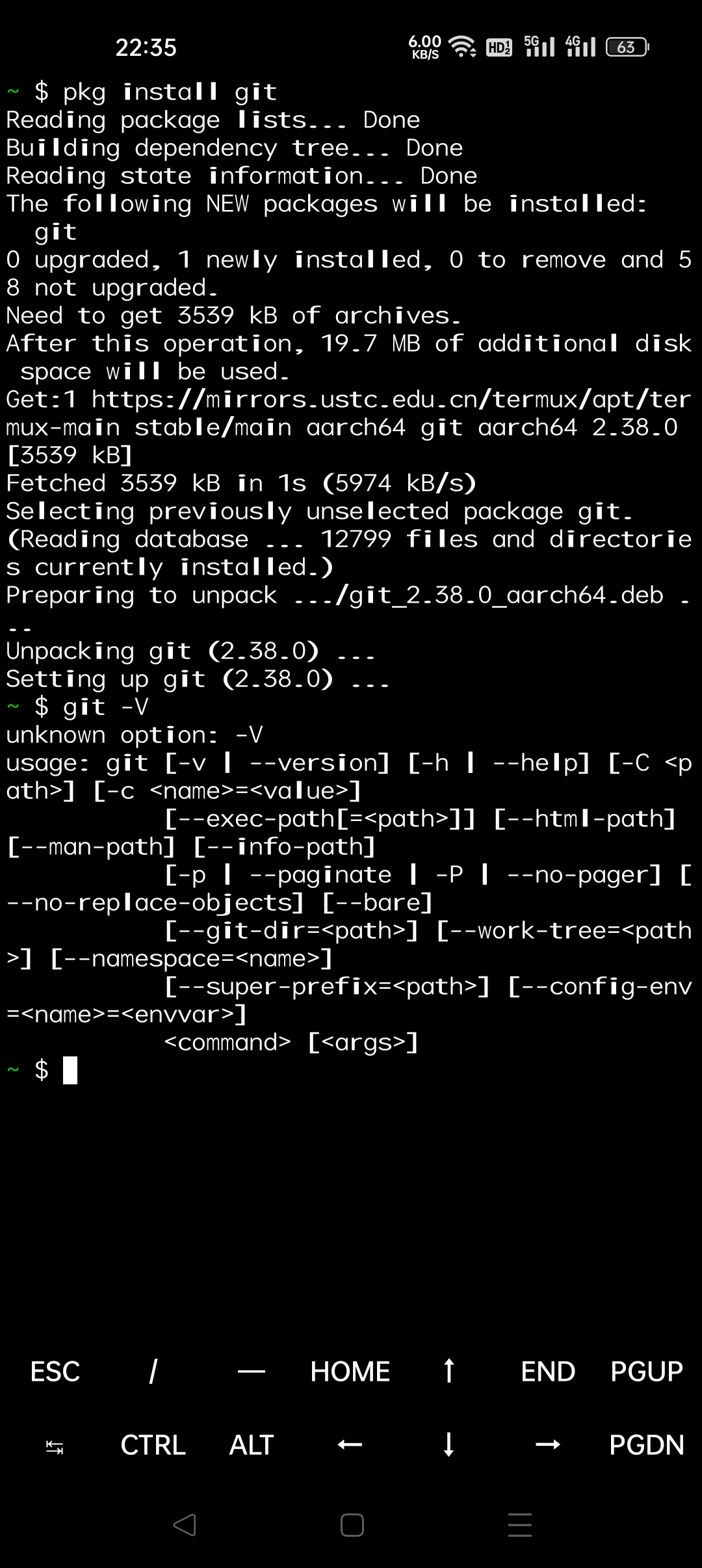
既然已经有了运行环境,那么我们就需要下载下我们的**音·创库版示例代码**工具,我非常推崇**Git**这种方便快捷好用还能下载仓库的代码管理器,这个世界上你也找不到第二个,所以我们来安装一下:
```bash
pkg install git
```
安装完成后记得测试一下:
### Install Downloading Tool
Tired to translate, QwQ.....
Sleep for a while and this can be a TO-DO.
既然已经有了运行环境,那么我们就需要下载下我们的**音·创库版示例代码**工具,我非常推崇**Git**这种方便快捷好用还能下载仓库的代码管理器,这个世界上你也找不到第二个,所以我们来安装一下:
```bash
pkg install git
```
安装完成后记得测试一下:
 ## 本代码库的下载与演示程序的使用
1. 使用Git下载本库及其示例代码
```bash
git clone -b pkgver https://gitee.com/EillesWan/Musicreater.git MSCTpkgver
```
当上述命令执行成功,你会在执行此命令的所在位置发现一个名为 `MSCTpkgver` 的文件夹,其中包含的正是我们心心念念下载的本程序和示例代码。
而我们要运行的也正是示例代码,因此,赶快进入下载到的文件夹:
```bash
cd MSCTpkgver
```
1. 开始使用演示程序
依照你的需要,执行以下命令以运行库的演示程序:
```bash
python magicDemo.py
```
运行成功了,哦耶!
## 本代码库的下载与演示程序的使用
1. 使用Git下载本库及其示例代码
```bash
git clone -b pkgver https://gitee.com/EillesWan/Musicreater.git MSCTpkgver
```
当上述命令执行成功,你会在执行此命令的所在位置发现一个名为 `MSCTpkgver` 的文件夹,其中包含的正是我们心心念念下载的本程序和示例代码。
而我们要运行的也正是示例代码,因此,赶快进入下载到的文件夹:
```bash
cd MSCTpkgver
```
1. 开始使用演示程序
依照你的需要,执行以下命令以运行库的演示程序:
```bash
python magicDemo.py
```
运行成功了,哦耶!